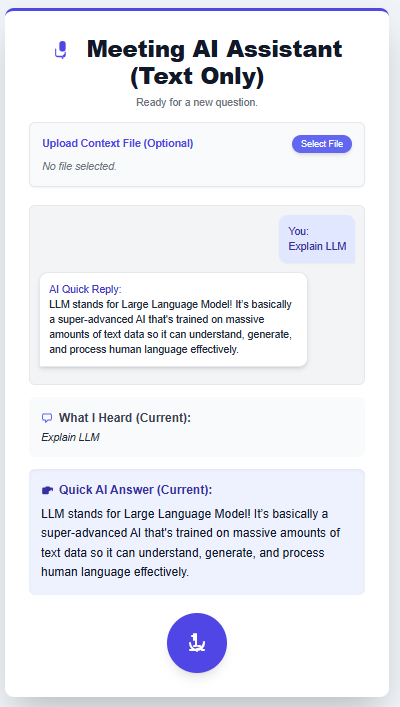
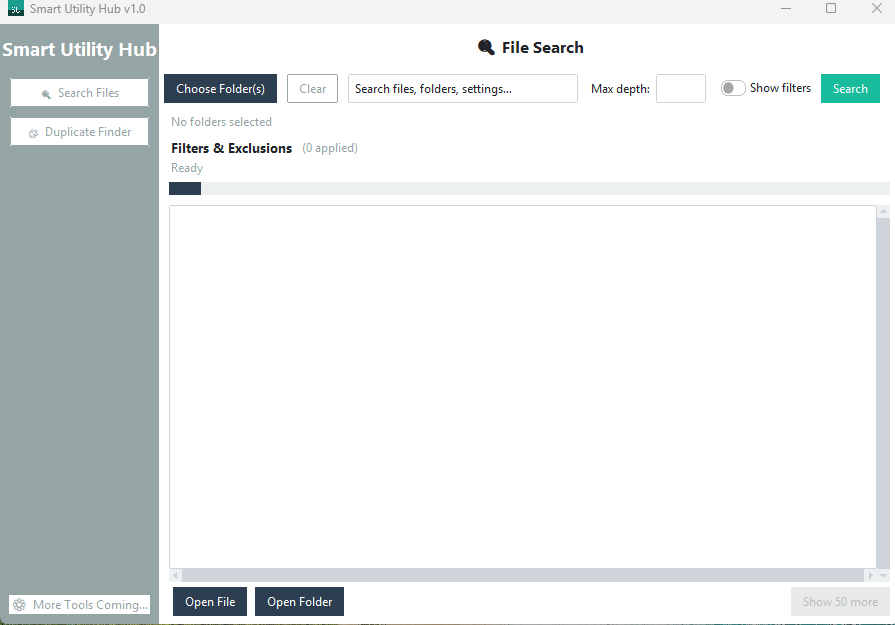
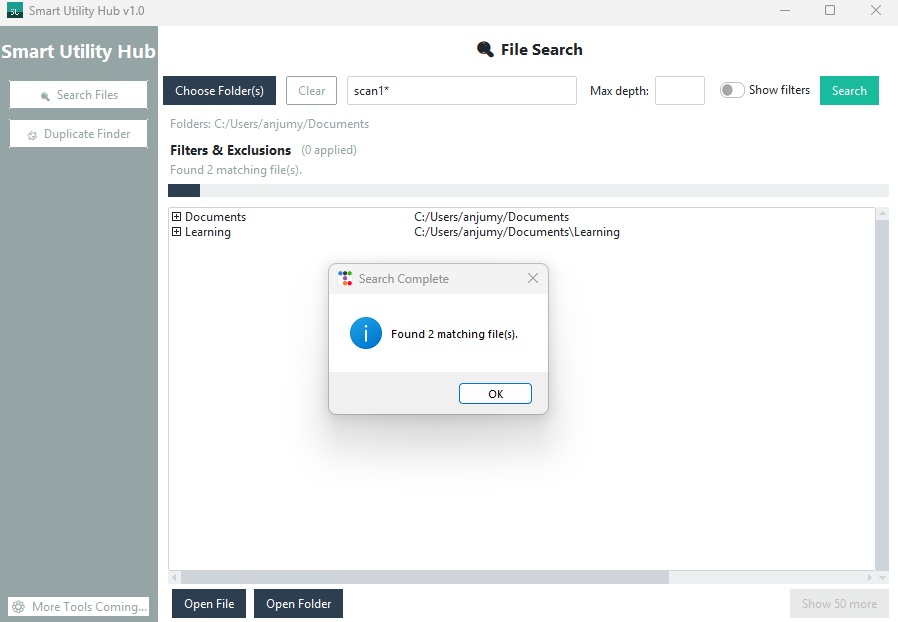
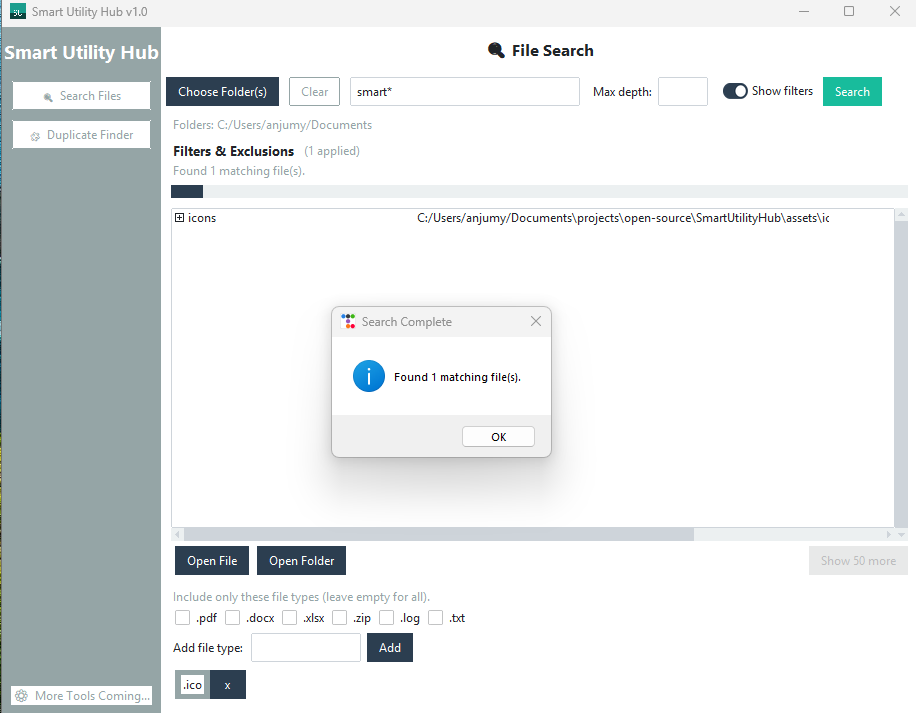
These captures illustrate how LynixAI utilities behave in production environments. Share this gallery with stakeholders or customers who want to see how each tool works before adopting it.
Local Password Safe
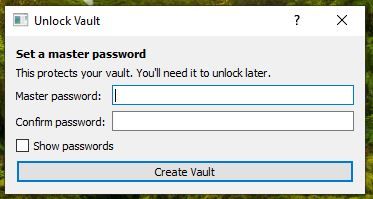
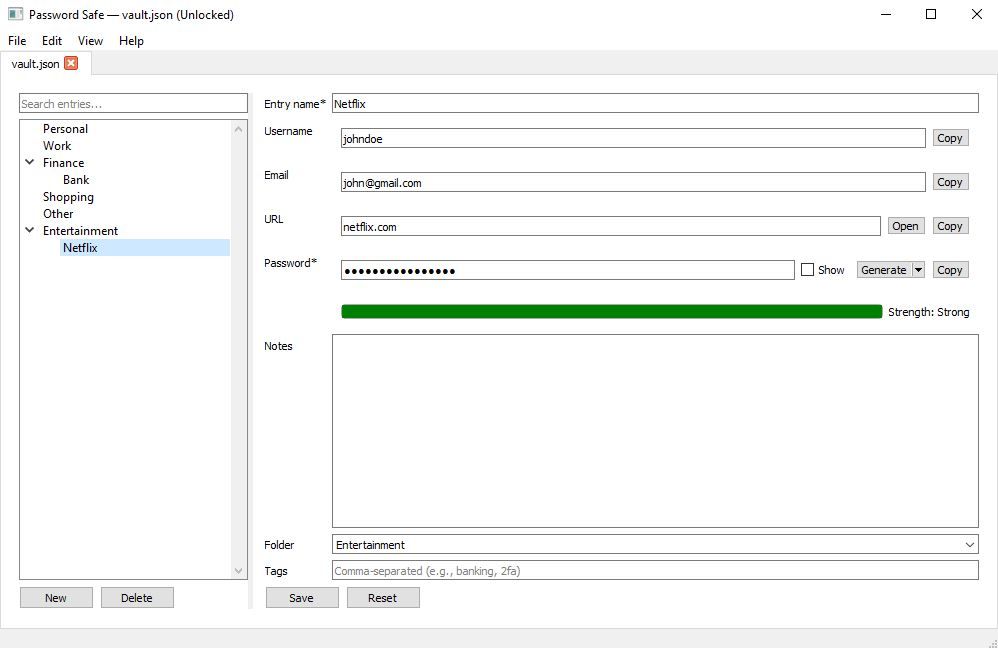
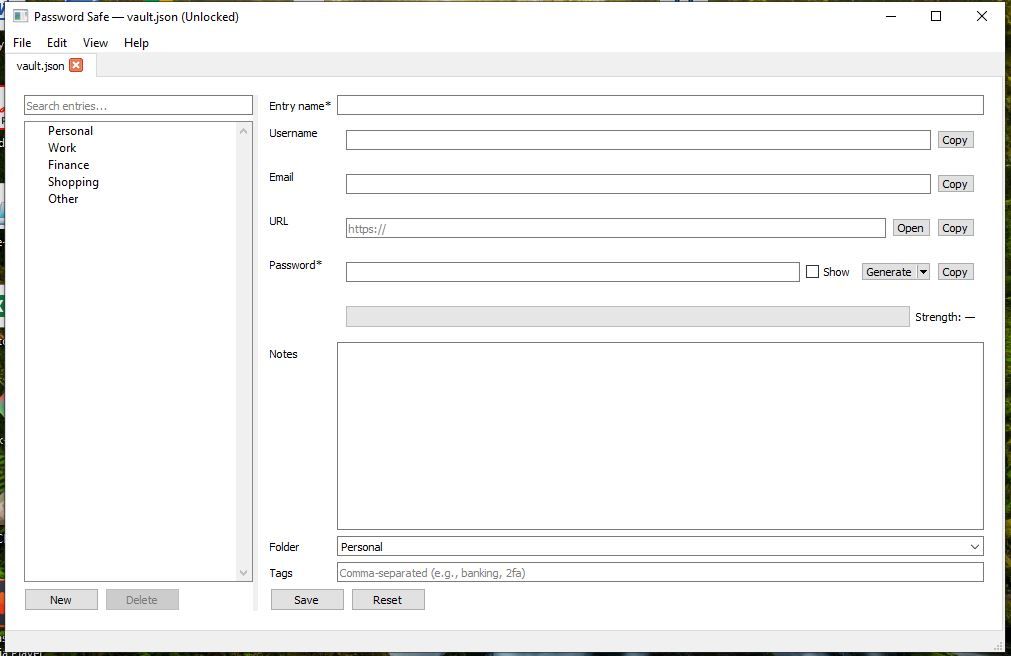
First-run setup flow prompting the operator to create a master password for the encrypted vault.Completed credential record showing how teams can store usernames, URLs, notes, and tags for quick search.Blank entry template used when operators add new account details to the vault.
Meet.AI assistant
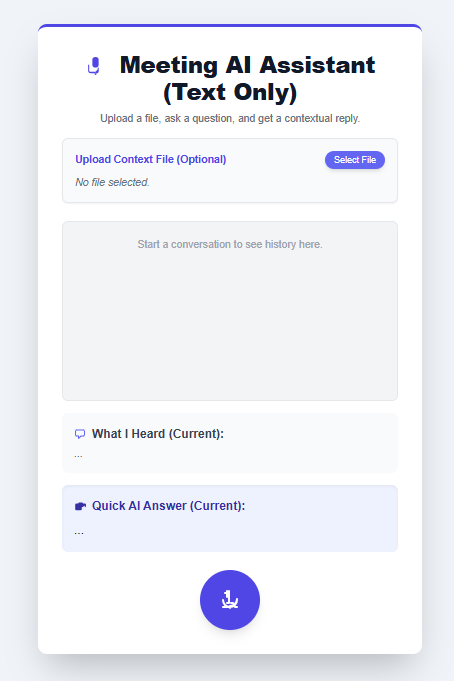
Meet.AI waiting for the facilitator to upload optional context and begin a private conversation.Live session showcasing the AI backchannel summarising a question and presenting the quick answer inline.
Smart Utility Hub
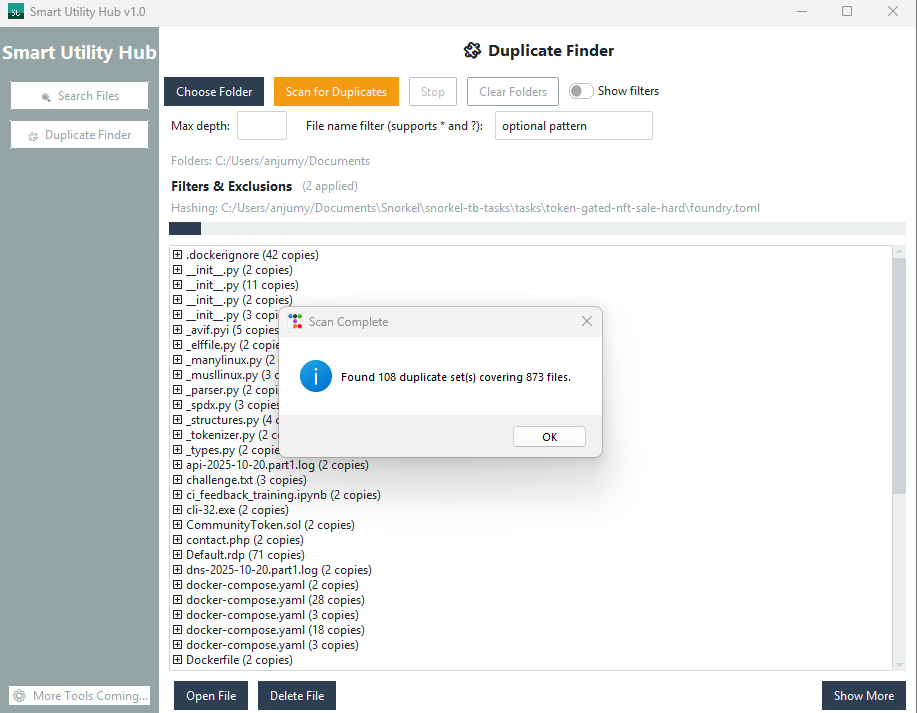
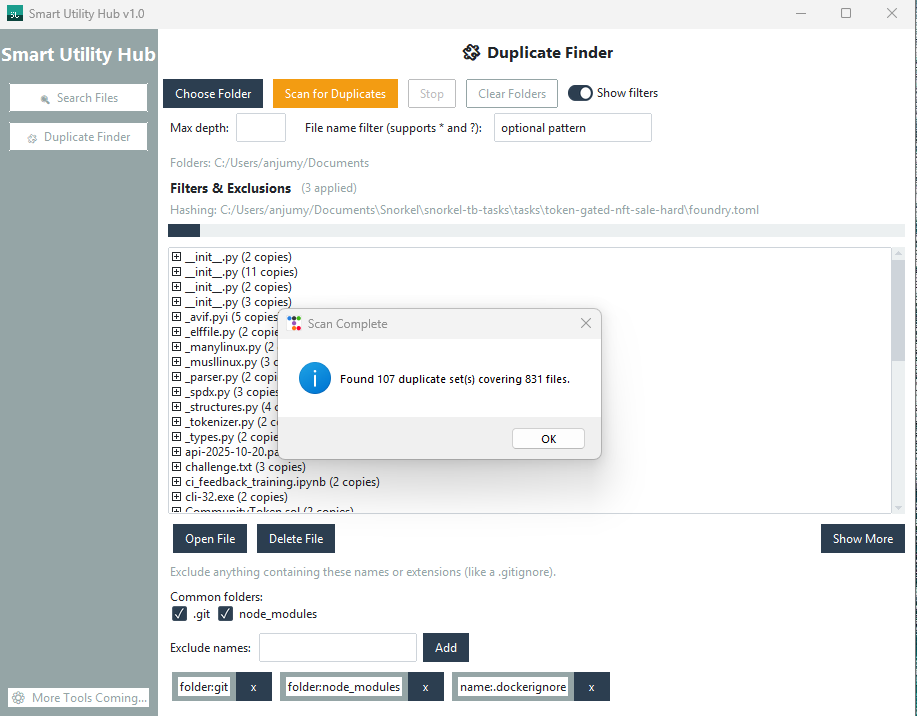
Main dashboard with quick access to file search and duplicate finder utilities.Search results view listing files that match the wildcard query.Search form using folder selection, depth limits, and extension filters to narrow results.Duplicate finder identifying matching hashes with quick actions to open or delete.Duplicate results filtered to focus on a specific directory scope.